
Cycle through tabs with preview and search
Firefox had it better: You could get back where you were with Ctrl+Tab.
MRU tab switcher brings similar functionality to Brave and Chrome. Open multiple links, and quickly switch between them, just use:
Ctrl + `
Quick toggle
Tap Ctrl+` to instantly jump to your previous tab. Tap again to toggle right back.
Hold to preview
Keep Ctrl held and tap ` (or use ↑/↓) to cycle a compact overlay of recent tabs before switching.
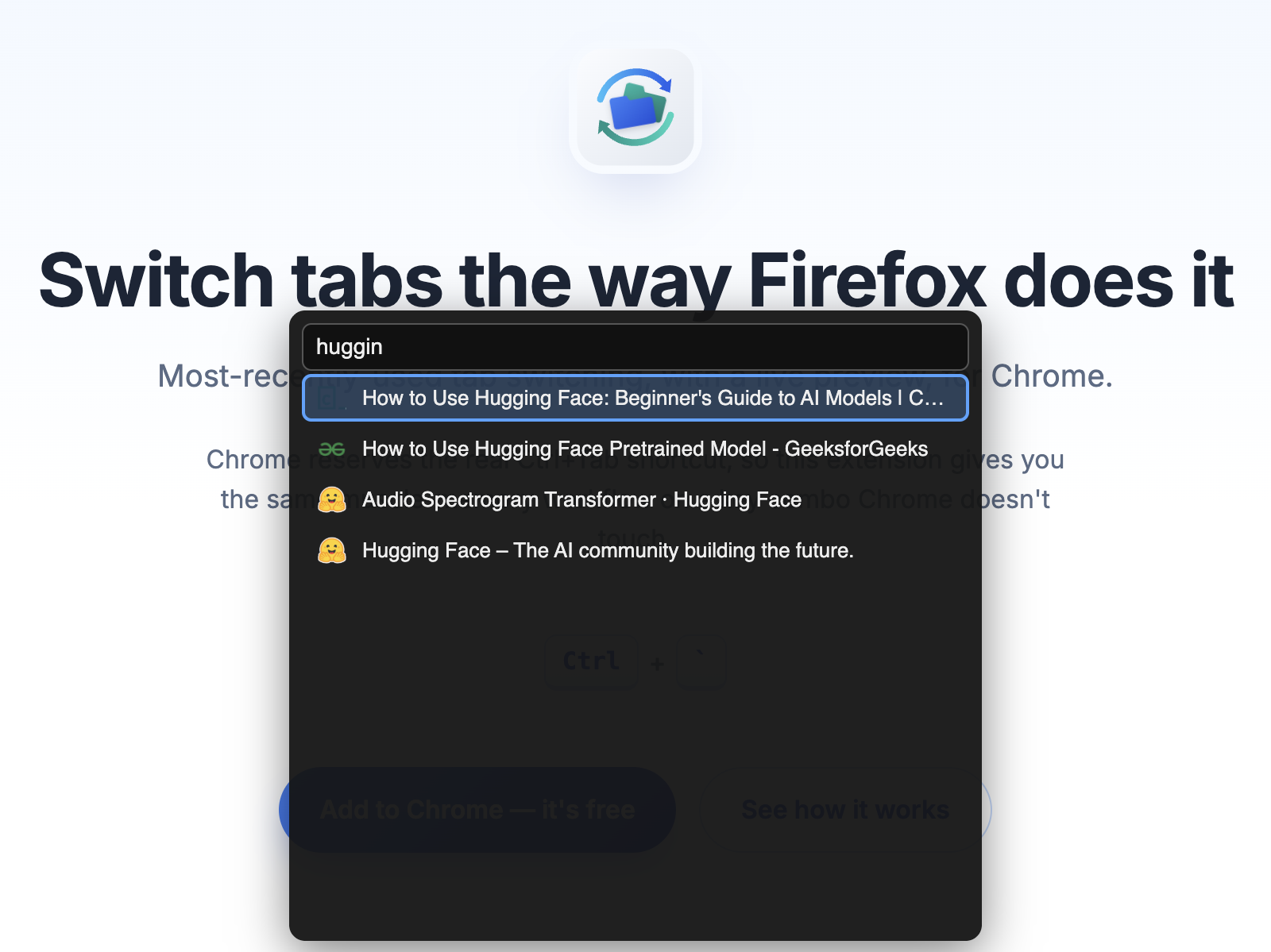
Type-ahead search
Can't find it in the recent list? Search every open tab by title without leaving the keyboard.
Screenshots

How it works
- 1Quick tap Ctrl+` → switch straight to the previously-used tab.
- 2Hold Ctrl and tap ` repeatedly (or ↑/↓) → cycle a preview list of recent tabs.
- 3Release Ctrl on a highlighted tab → switch to it.
- 4Select Search → type part of a title to find any open tab.